
Whether you’re hosting a team catch-up, client presentation or hybrid workshop, the way we meet has changed massively over the last few years. One of the biggest drivers of that change has been artificial intelligence (AI) and smart meeting technology and it’s only getting more useful.
In this blog, we’ll look at some of the newest ways AI is being used to make meetings smoother, more efficient and more productive, along with a recent update from Google that shows exactly how this is playing out in practice. The aim here is to help you make better use of the technology you already have and think about how these features can benefit your organisation.
Smarter Meeting Experiences Through AI
AI is no longer just a buzzword, it’s becoming part of the everyday tools many of us use for remote and hybrid working.
Google Meet, part of Google Workspace, is incorporating several AI-driven capabilities that are now rolling out or expanding:
Automatic Conference Room Detection
A recent update to Google Meet’s mobile and desktop apps means the platform can now automatically detect when your device is in a physical conference room. This uses ultrasonic signals (inaudible to humans) emitted by compatible conference hardware to understand when you’re in a room with others, and then prompts you to join the meeting in the optimal way.
What this means in practice:
- Your phone or tablet can recognise the space you’re in and suggest the best way to join the meeting without feedback or echoes.
- Companion Mode (which minimises echo and audio issues) becomes the default entry method, with a prompt ready for you without extra clicks.
- This reduces time spent fiddling with settings at the start of meetings and makes hybrid collaboration feel more seamless.
Other AI Features in Meetings You Might Already Have Seen
AI isn’t just helping with audio and connection, it’s being used in other ways too:
Real-Time Assistance and Summaries
Some platforms now offer AI tools that can take notes, highlight key points and even generate summaries of meeting discussion so you can focus on the conversation instead of scrambling to capture every detail.
This type of feature can be especially useful for:
- Recapping long calls
- Making sure action points aren’t missed
- Helping absent team members catch up efficiently
Noise Reduction and Video Enhancements
AI is also being used to improve the quality of meetings:
- Noise suppression filters out background sound so participants are clearer
- Studio-look effects and adaptive video adjustments help improve visibility, especially on lower-quality webcams
- Translated captions and real-time text support help participants across language barriers
These tools save time, reduce frustration and help attendees feel more confident and engaged during calls.
Why This Matters for Your Business
As hybrid working becomes a long-term reality for many organisations, these technologies are more than novelties, they are practical tools that can save time and improve collaboration.
Here’s how:
- Less time starting meetings
Automatic detection and joining features remove friction from the beginning of calls, meaning fewer wasted minutes. - Better inclusivity
Translated captions and AI notes make meetings more accessible to a wider range of participants. - Fewer technical distractions
Noise suppression, echo reduction and AI-driven interfaces help keep everyone focused on the agenda, not the tech problems. - Better documentation
AI summaries and notes can help your team avoid missed decisions and make post-meeting follow-up faster and more accurate.
Should You Be Looking at These Tools Yet?
If your business uses Google Workspace or another cloud meeting platform, many of these features may already be available or rolling out soon. It’s worth checking:
- What AI meeting features your plan already includes
- Whether your hardware (phones, tablets, meeting room equipment) supports them
- How they fit into your current meeting habits
You don’t need to adopt every new tool immediately, but understanding what’s out there and what can save time or improve clarity is increasingly part of running a modern business.
How Venton Supports Smarter, More Effective Meetings
At Venton, we see first-hand how technology can either enhance a meeting, or become a distraction if it’s not set up properly. As more businesses embrace hybrid working and AI-powered tools, having the right environment and support in place is just as important as the software itself.
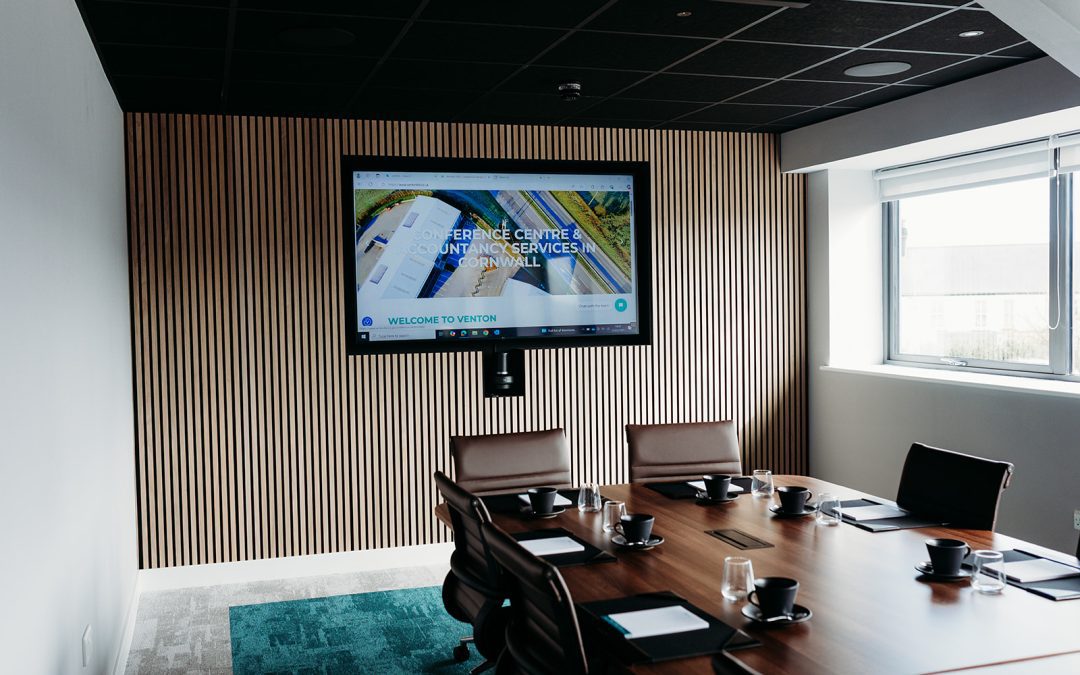
Our meeting and conference rooms are designed to work seamlessly with modern platforms like Google Meet, making it easier to run smooth, professional meetings whether your attendees are in the room, dialling in remotely or a mix of both. From reliable connectivity to high-quality presentation and conferencing technology, our spaces are set up to reduce friction and help meetings run as they should.
If you’re unsure how best to use the technology available or want support setting up a hybrid meeting, our team is always on hand to help. Sometimes it’s the small details that make the biggest difference to how productive a meeting feels.
View our conference spaces to learn more and book today.
More resources: